SQL practice that checks your result, not your wording
Plenty of SQL practice sites compare your query to a reference string, or hand you an answer key next to the question. You peek, you paste, you move on, and a week later you still freeze at a LEFT JOIN. Querydrill was built around one rule: the only way through an exercise is a query that returns the right rows.
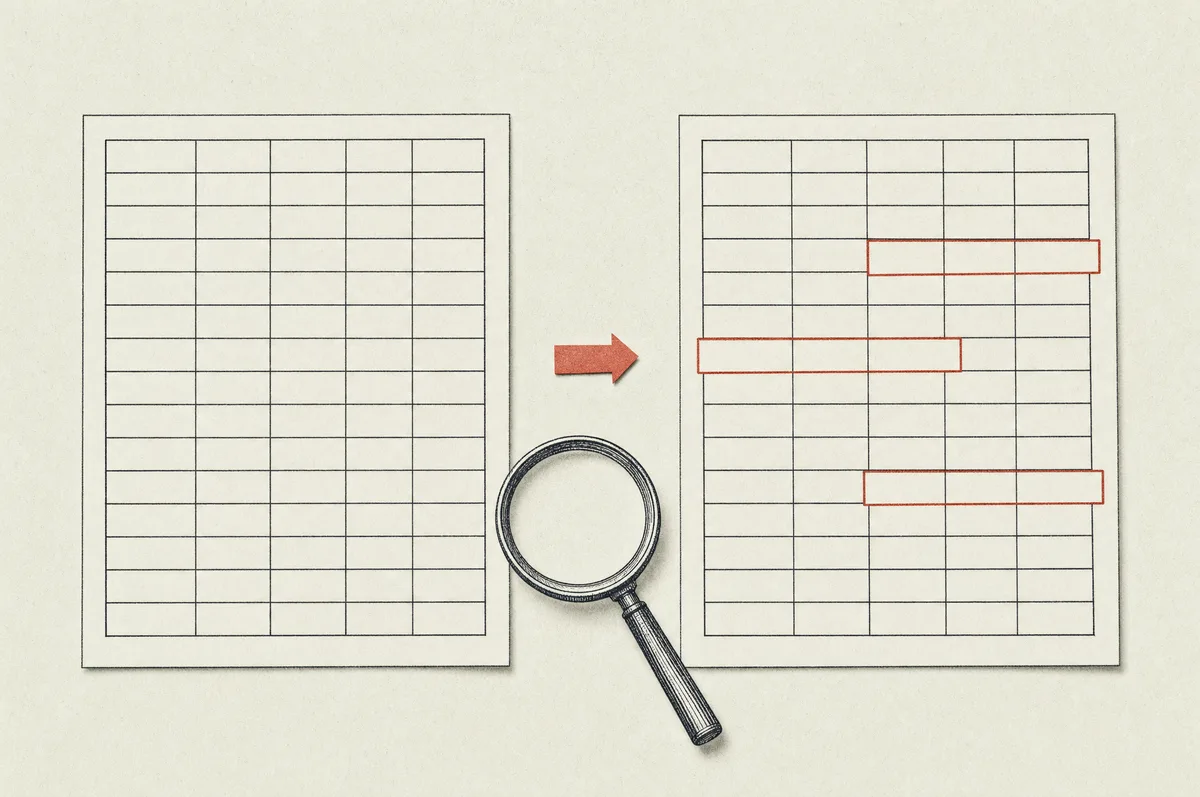
Every exercise runs your query twice. First on the sample tables you can see, then on a copy with extra rows and changed values. A query that types in today's numbers or names passes the first run and fails the second, and you are told so. That is the same test an interviewer applies when they ask what happens if the data changes.
Practice SQL online, with nothing to install
The database runs inside your browser, so there is no server to set up and no account to create before your first query. The exercises stick to standard SQL that works the same way in PostgreSQL, MySQL, SQLite and BigQuery, apart from the occasional date function, which the prompt points out.
That makes Querydrill useful in the places a real database is awkward: on a laptop between meetings, on a train, or in the ten minutes before a technical screen. Progress is saved in your browser, and a free account keeps it across devices.
SQL exercises built in six levels
The 60 exercises are organized into levels, and each level only adds one or two ideas on top of what you already know.
- Basics: picking columns, filtering rows, sorting on two columns, pattern matching, NULL handling and labels with CASE.
- Aggregation: customers per country, spend per customer, repeat buyers, revenue by month, first and last order, HAVING.
- Joins: orders with customer names, customers who never ordered, employee and manager, products never sold, keeping zero counts.
- Advanced: subqueries, CTEs, rank within department, running totals, change from the previous order with LAG, top two per category.
- Interview classics: second and third highest salary, earns more than the manager, departments above average, pivoting statuses with CASE.
- Work mode: cleaning a country report, finding duplicate accounts, totalling revenue stored as text, signups per plan on messy data.
Within a level the exercises get harder one notch at a time. By the end of Joins you have written a self join, found the rows with no match and kept the zero counts a careless inner join would have dropped, not because you read about it, but because the exercise would not pass until you did.
Open the exercise list
SQL interview questions, practiced the way they are asked
Most data analyst and data engineer interviews include a live SQL round, and the questions repeat: the nth highest salary, employees who earn more than their manager, each customer's first order, month over month growth, a running total. They are not hard once you have written them a few times. They are hard the first time, with someone watching.
The Interview classics level collects those questions, the Advanced level covers the window functions behind them, and timed mode puts a clock on each exercise with hints and solutions locked until time is up. Run through the top three levels the week before an interview and the live round feels like one more drill.
Try a timed exercise
SQL joins practice and window functions practice
Two topics cause most of the failed queries at work, so they get more exercises than anything else.
- Joins practice: inner versus left, a join that silently duplicates rows, customers from the same country, products per order, headcount per department with departments that have nobody.
- Window functions practice: RANK and DENSE_RANK, ROW_NUMBER to pick the top earner per department, LAG for the change from the previous period, SUM OVER for running totals and share of revenue.
- Subqueries and CTEs: above the average salary, big spenders, each customer's first order, written both ways so you can see which reads better.
SQL for data analysts: the questions a manager actually asks
The tables in every exercise look like something you would meet in a job: customers, orders, products, employees with managers, payments with plans. The questions are the ones that land in an analyst's inbox: revenue per country, average paid order, hires per year, customers active in several months.
The Work mode level goes one step further. The data arrives the way it does in real life, with amounts stored as text, mixed date formats, duplicate accounts and stray spaces, and the request comes from Marketing, Finance or Support. Cleaning the data is part of the answer, as it is at work.
Learn SQL by getting it wrong first
A hint is one click away, but the worked solution opens only after your second attempt. That is on purpose. Running a query, seeing twice as many rows as expected, reading the hint and fixing the join yourself is the part that sticks. Copying a solution before you have tried does not.
When a query fails, the feedback names the kind of mistake: a join that duplicates rows, an inner join that drops them, integer division, a typed-in value, a GROUP BY that is missing a column. Every exercise also explains why the reference query is built the way it is.
Why hands-on beats watching
You can watch a ten-minute video on window functions and feel like you understand them. Then you open an editor, type OVER ( and stop. The gap between recognizing and producing is the whole problem, and the only thing that closes it is reps.
A Querydrill session is five to fifteen minutes of writing queries, each one slightly different from the last. Ten sessions in, the join syntax, the GROUP BY rules and the window clauses are automatic.
SQL exercises for beginners and for people who query every day
If you have never written a query, the Basics level starts with SELECT and WHERE and does not assume anything. If you already write SQL every day, skip to Advanced, Interview classics or Work mode and look for the gaps: most experienced users have one or two constructs they have always avoided, and the drills find them quickly.
Every exercise is independent, so you can jump to the one you need for today's problem and come back to the rest later.
 Querydrill